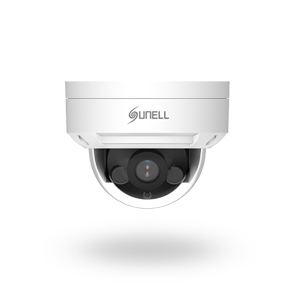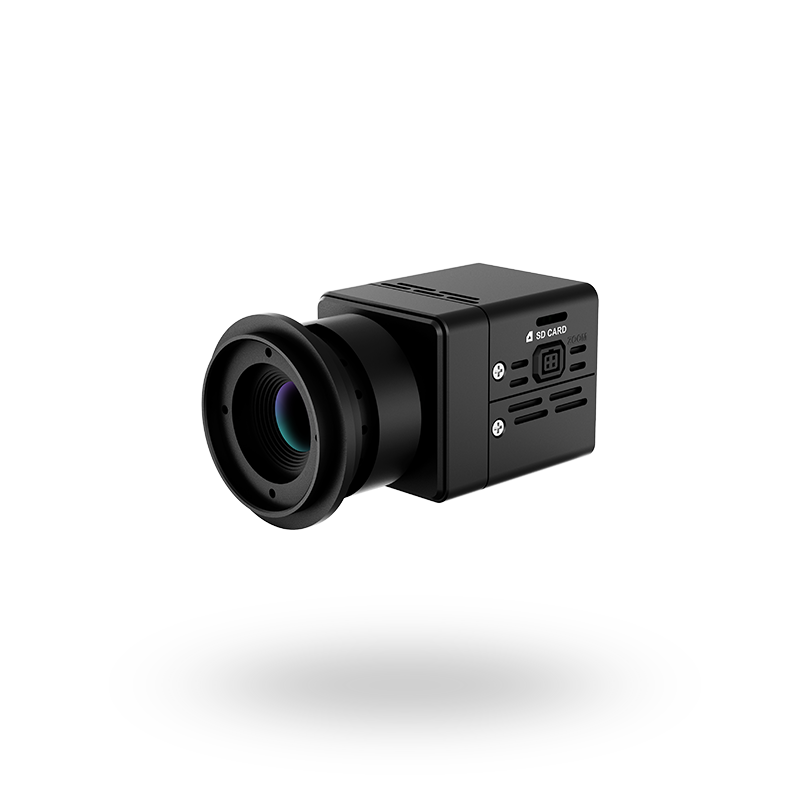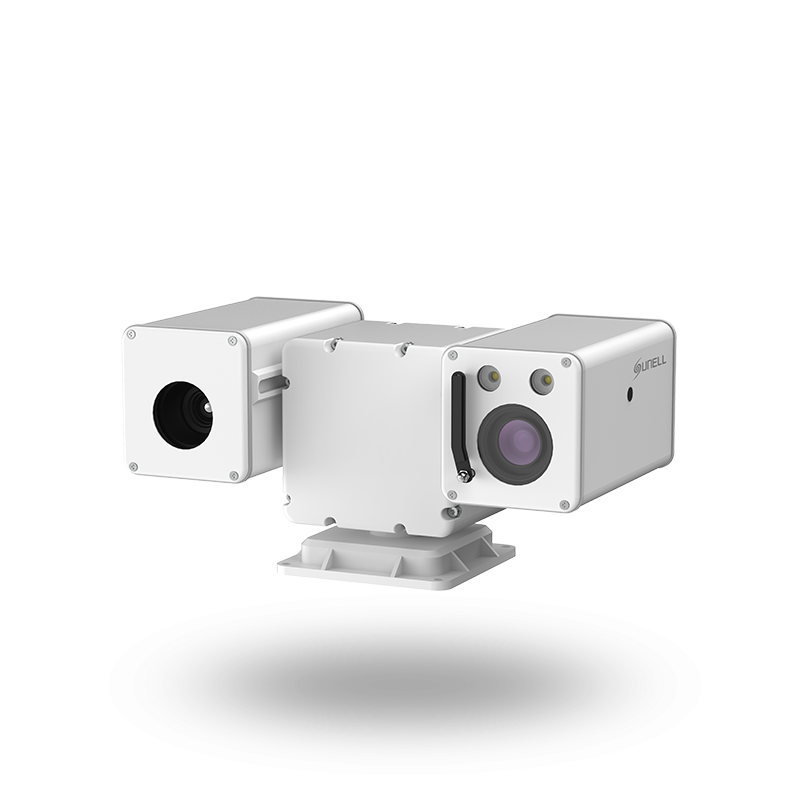
1. Open Internet Explorer, enter the IP address of the IP camera (default value: 192.168.0.120) in the address box, and press Enter
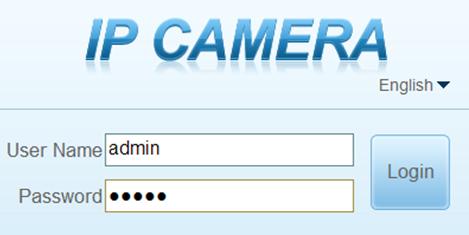
2. Enter the user name, and password(The default user name is admin. The default password is admin)
3. On the web interface or client interface, move the cursor to the real-time video page and right-click on the page. A shortcut menu is displayed
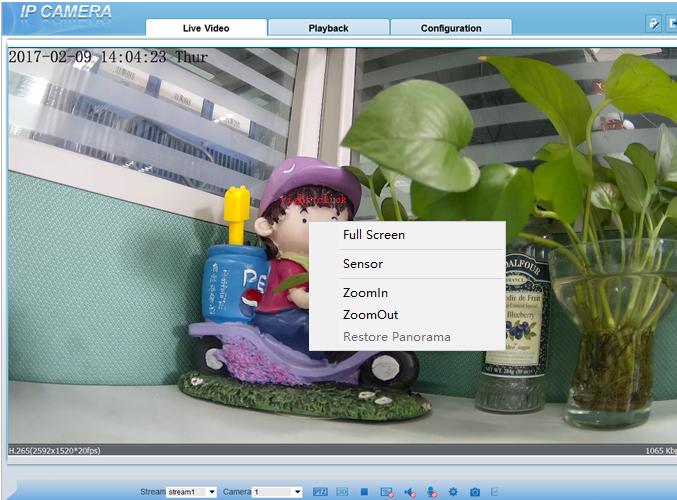
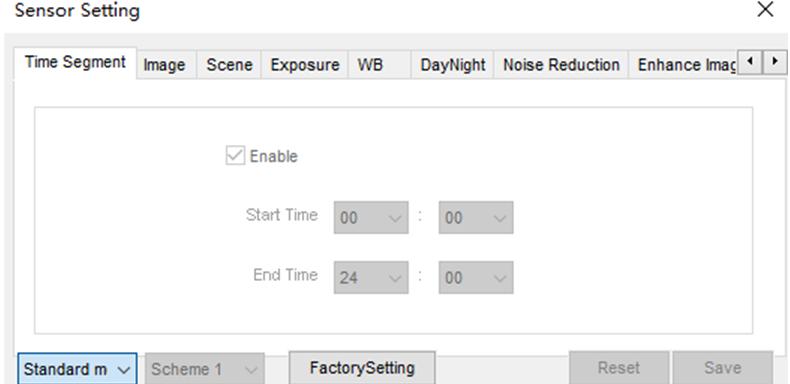
4. select "Sensor" option